
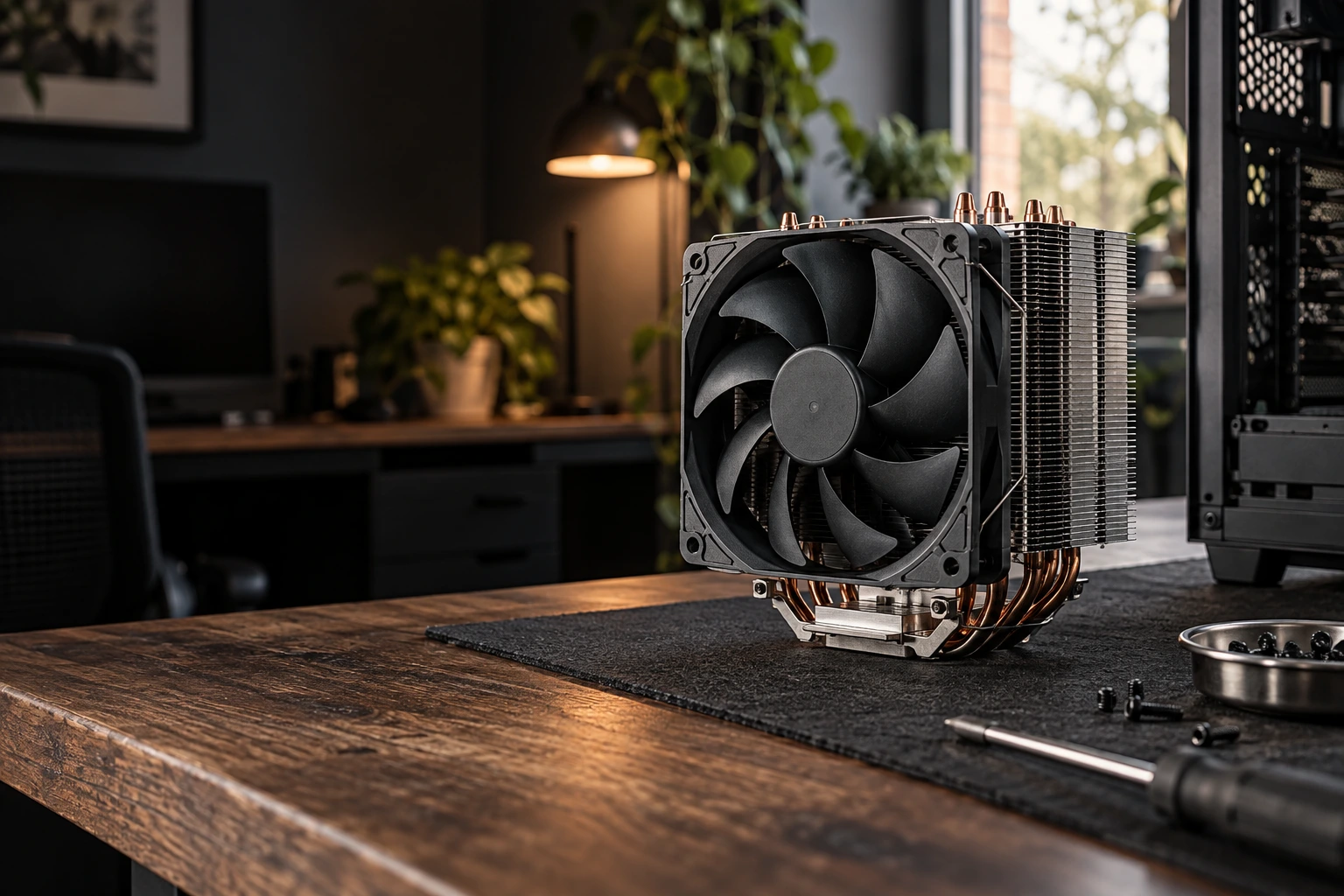
Computer overheating
Investigate heat, fan behavior and shutdowns before deciding on cooling work.
On-site computer overheating diagnosis in Greater Austin. We inspect relevant cooling conditions and explain whether cleaning, thermal-paste service or a replacement part is appropriate.

AT YOUR HOME
OR OFFICE
IN GREATER AUSTIN

TARGETED DIAGNOSIS
Temperature and workload observation.

CLEAR APPROVAL
Understand the proposed work before changes begin.

ON-SITE SERVICE
Help at your home or office in Greater Austin.

RELEVANT TESTING
Approved troubleshooting and retest.
WHEN YOU NEED REPAIR
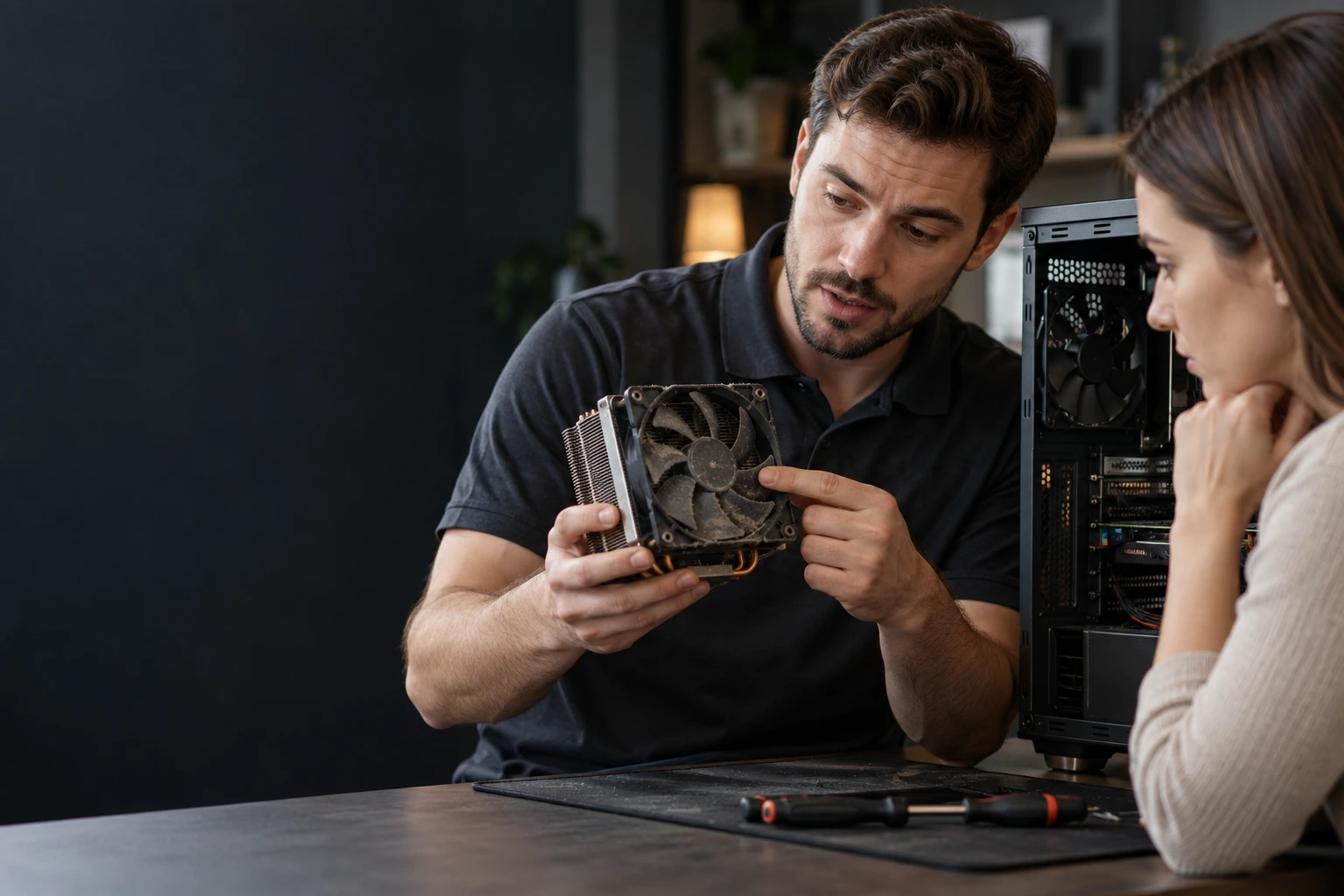
When heat interrupts your work
We trace the symptom before recommending a fix. The agreed checks help separate configuration problems from faults that need parts or a different service.

Fans run loudly at light load
We start with temperature and workload observation to understand what is needed.
Performance drops as temperatures rise
The agreed scope includes fan and airflow assessment.
Computer shuts down during use
We explain the next step and finish with approved troubleshooting and retest.
REDUCE HEAT-RELATED SLOWDOWNS
KEEP YOUR COMPUTER WORKING
VERIFIED RESULTS
SERVICE DETAILS
Exactly what’s included
The agreed service covers the items below. Separate work and purchases are quoted for your approval.
INCLUDED IN SERVICE

Temperature checks
Fan operation checks
Vent & airflow review
Cooling cause assessment
Approved minor adjustments
Temperature retest

SEPARATELY

Replacement parts
Full-device detailing
Data backup
Data recovery
Liquid damage repair
Board-level repair
SERVICE PROCESS
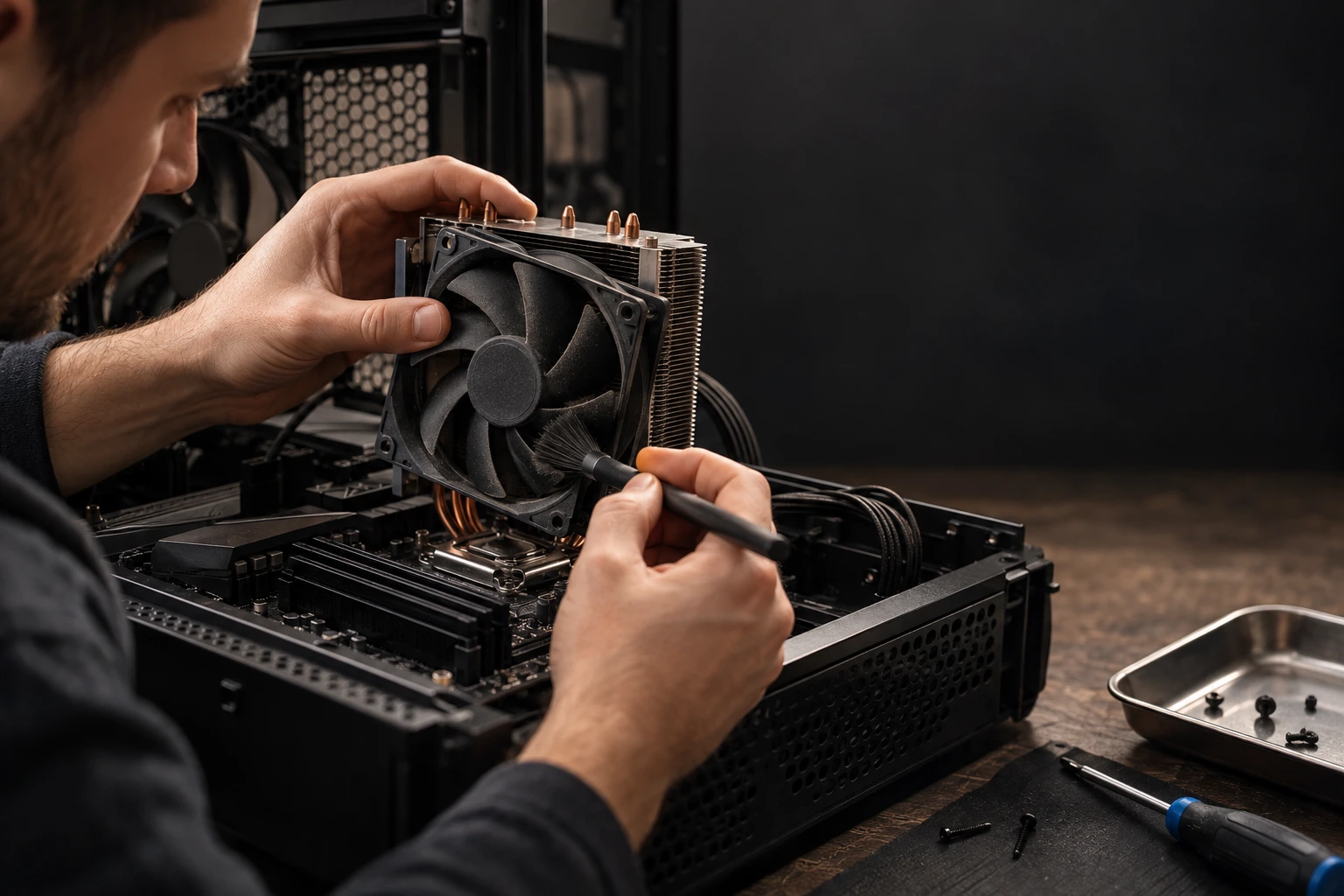
Find the cause of overheating
Your computer overheating follows a clear sequence, from the initial discussion to the relevant checks at handover.
01

ASSESS
We discuss your request and complete temperature and workload observation.
02
DIAGNOSE
We confirm requirements and complete fan and airflow assessment before proceeding.
03
RESOLVE
We carry out accessible cooling-path inspection within the approved scope.
04
RECHECK
We finish with approved troubleshooting and retest and explain the outcome.
WHY OUR SERVICE IS PREMIUM
Check the cause of computer overheating
We trace the symptom before recommending a fix. The agreed checks help separate configuration problems from faults that need parts or a different service.

HEAT OBSERVED
Observe temperatures under a relevant load.
AIRFLOW CHECKED
Check fans and airflow for visible restrictions.
CAUSE EXPLAINED
Explain the cooling issue and proposed next step.

LOAD RETESTED
Repeat a comparable test and discuss the result.
THOROUGH & TRANSPARENT
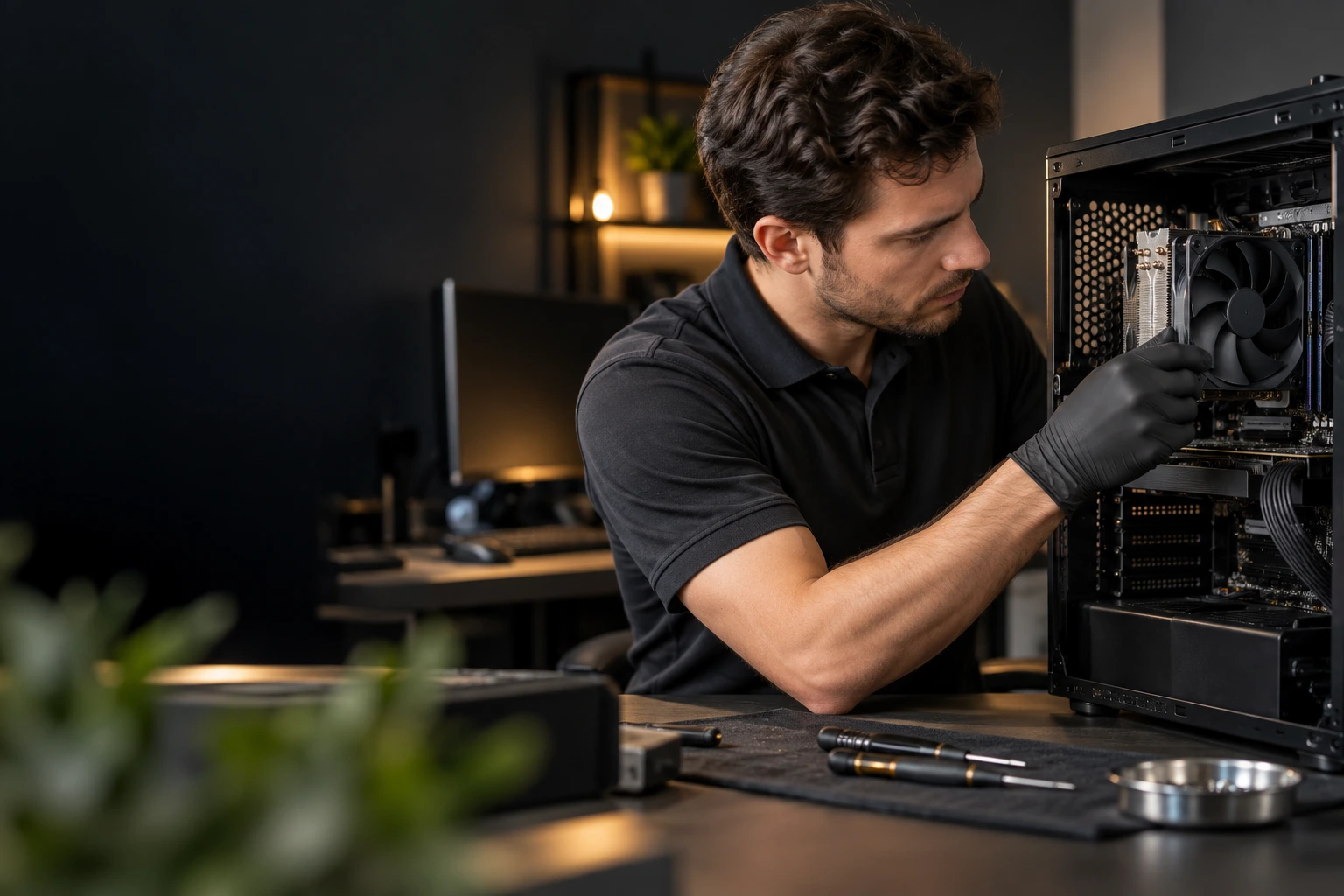
What we check before and after
We check overheating troubleshooting against the agreed scope, then document the result and any remaining concerns.
BEFORE SERVICE BEGINS
Review the device, requirements and agreed scope.
Temperatures under load
Fan response and noise
Dust and airflow paths
Cooler mounting condition
Shutdown or throttling
Cooling work approved
AFTER SERVICE CHECKS
Verify completed work and explain the outcome.
Comparable load checked
Fan operation rechecked
Airflow condition reviewed
Approved changes verified
Remaining heat issues listed
Cooling advice provided
TRANSPARENT PRICING
Computer overheating pricing
Service labor is $169 per hour. We discuss the expected work before starting. Any required parts are quoted separately.
$169
PER HOUR · LABOR
Temperature & workload check
Cooling-path inspection
Troubleshooting & retest
Scope agreed before work

Parts priced separately
Replacement hardware is priced separately. You approve the part and cost before purchase.
We’ll confirm compatible options and pricing after we assess your device.
TESTING ACCESS AGREED
We explain access needed for overheating troubleshooting.

YOU CONTROL SIGN-IN
Enter your password if an agreed test needs sign-in.

FILE CHANGES APPROVED
Any step that may affect stored files is discussed first.

NO VISIT RECORDING
We do not record video during the service visit.
PRIVACY & CARE
Privacy during overheating troubleshooting
Checks focus on overheating troubleshooting. You control account access and approve any work that could affect personal files.
COVERED WITH CONFIDENCE
Support for your overheating troubleshooting
A 30-Day Limited Workmanship Warranty covers TEXET’s overheating troubleshooting work only. Hardware follows separate manufacturer or retailer terms.

TEXET WORKMANSHIP WARRANTY
30-day limited labor warranty
Covers agreed TEXET work
Workmanship terms apply
Contact TEXET for support
MANUFACTURER PARTS WARRANTY
Separate manufacturer warranty
Term varies by manufacturer
Eligible hardware defects
Manufacturer approval required
FREQUENTLY ASKED QUESTIONS
Computer overheating FAQ
What does computer overheating include?

How much does computer overheating cost?
Can you help if fans run loudly at light load?
We begin with temperature and workload observation. If another service or replacement equipment is needed, we explain it before proceeding.
What should I have ready?
Is unrelated work included?
No. Replacement parts, Unrelated faults or extra devices, Data backup or recovery are outside this service. Any additional work is discussed separately.
CLEAR RESULTS
Your repair, documented
Your report records the agreed computer overheating, the checks completed and any remaining requirement.
YOU WILL RECEIVE
Completed overheating troubleshooting scope
Notes from temperature and workload observation
Results of agreed function checks
Remaining concerns and recommended next steps
Any separate work discussed with you

Digital service report by email
REVIEWS OF TEXET SERVICES
Trusted by homes and businesses
We’ve helped customers across Greater Austin get more life from their computers with professional, reliable service and honest advice.

“My PC had become hot and extremely loud even during basic use. TEXET checked the temperatures, airflow and cooling hardware and found what was causing it.”
Chris N.
Austin, TX
“I wasn't sure whether the heat was normal or something to worry about. They measured everything first and explained what actually needed attention.”
Megan R.
Cedar Park, TX
“The computer was shutting down during heavier workloads. They diagnosed the cooling problem and verified the temperatures again after the work.”
Paul G.
Georgetown, TX
“The fans were constantly running at full speed. The cooling system was inspected properly and the computer is much quieter now.”
Stephanie W.
Round Rock, TX
LET’S MAKE IT HAPPEN
Get help with computer overheating
Investigate heat, fan behavior and shutdowns before deciding on cooling work.

Clear scope

Professional care

Trusted by Texans
Call us: (512) xxx xx xx
REQUEST SERVICE

We are online
By submitting this request, you agree to the TEXET AI assisted support, Terms of Service and Privacy Policy.


