

Windows troubleshooting
Find the cause. Get your everyday work moving again.
On-site Windows troubleshooting in Greater Austin for startup failures, crashes, update errors and unreliable applications. We diagnose the symptoms, explain the options and test the agreed fix.

AT YOUR HOME
OR OFFICE
IN GREATER AUSTIN

TARGETED DIAGNOSIS
Investigate the symptoms instead of guessing at a fix.

CLEAR APPROVAL
Understand the proposed work before changes begin.

DATA-AWARE CARE
Discuss backup and access before any risky step.

PRACTICAL TESTING
Recheck the tasks that were failing on your computer.
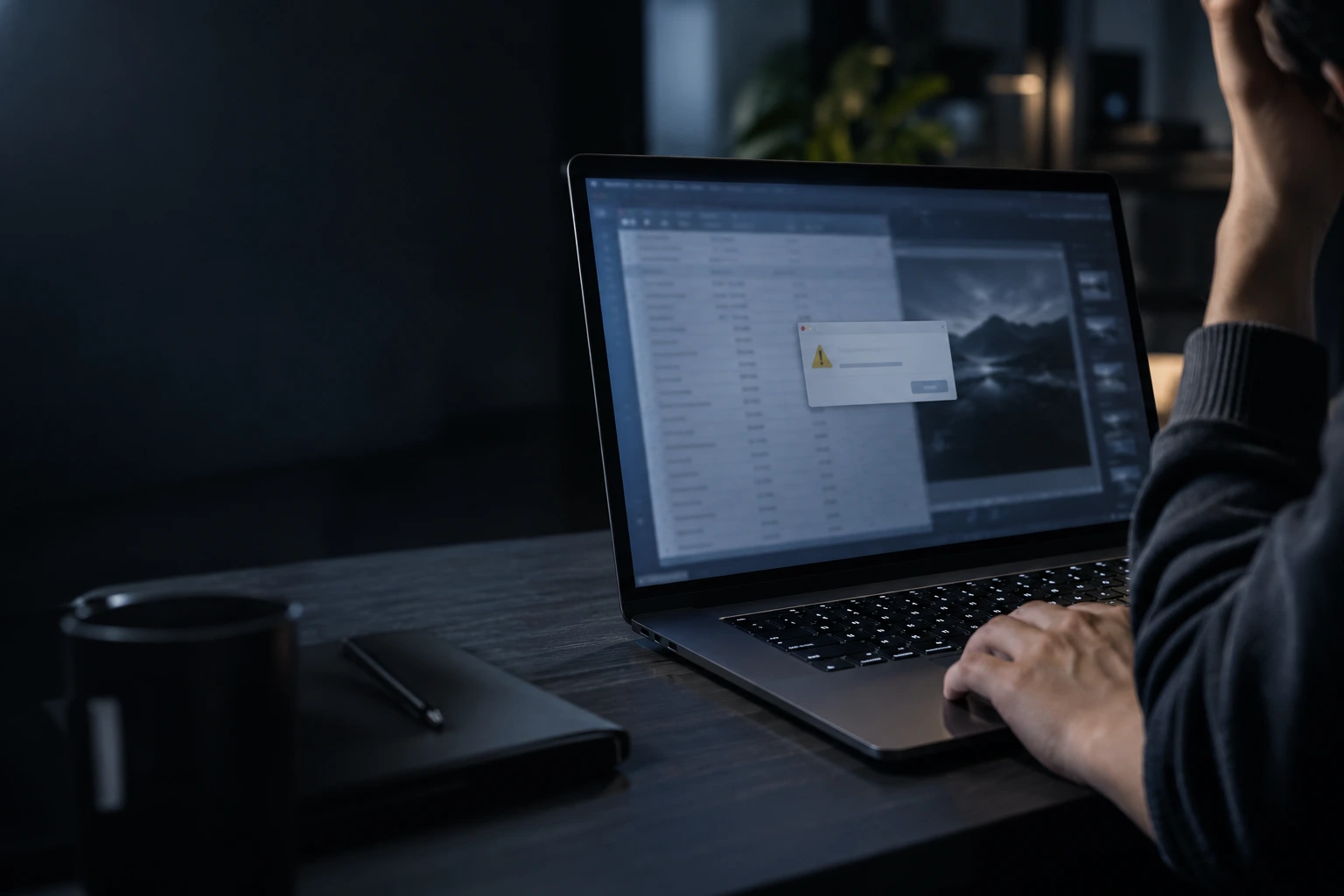
WINDOWS DIAGNOSTICS
Windows problems we can help with
A recurring error can interrupt your whole day. We narrow down whether the cause is Windows, an application, a driver or underlying hardware.

Startup and sign-in trouble
Investigate boot loops, failed starts and sign-in errors.
Crashes and slowdowns
Trace freezing, blue screens and unresponsive applications.
Updates that will not complete
Check update errors, driver conflicts and installation issues.
STOP RECURRING ERRORS
KEEP YOUR WORK MOVING
VERIFIED RESULTS
SERVICE DETAILS
Exactly what’s included
The agreed service covers the items below. Separate work and purchases are quoted for your approval.
INCLUDED IN SERVICE

Windows symptom review
Error & update checks
Relevant driver checks
Approved system fixes
Affected task retest
Findings & next steps

SEPARATELY

Replacement parts
Data backup
Data migration
Data recovery
Windows reinstallation
Malware removal
SERVICE PROCESS
How we troubleshoot Windows
Each step is explained, from the initial checks to the final handover. You know what is planned and what has been completed.
01

LISTEN
We record the symptoms, recent changes and tasks affected.
02
DIAGNOSE
We review relevant errors, settings and system behavior.
03
RESOLVE
We explain and apply the troubleshooting steps you approve.
04
RECHECK
We repeat the affected tasks and discuss any unresolved issue.
WHY OUR SERVICE IS PREMIUM
Find the cause of the Windows problem
Each change should have a purpose. We connect our recommendations to the evidence and explain the outcome in plain language.

SYMPTOMS TRACED
Trace the Windows issue in the affected task.
CHANGES EXPLAINED
Explain proposed changes before applying them.
FOCUSED CHECKS
Check relevant drivers and system settings.

OUTCOME REVIEWED
Retest the reported issue and explain next steps.
THOROUGH & TRANSPARENT
What we check before and after
We check Windows troubleshooting against the agreed scope, then document the result and any remaining concerns.
BEFORE SERVICE BEGINS
Review the device, requirements and agreed scope.
Windows version and changes
Startup and sign-in behavior
Reported errors and apps
Driver and update status
Recovery options reviewed
Troubleshooting scope agreed
AFTER SERVICE CHECKS
Verify completed work and explain the outcome.
Original issue retested
Affected apps checked
Relevant errors reviewed
Agreed tasks tested
Unresolved issues explained
Changes and findings listed
TRANSPARENT PRICING
Windows troubleshooting pricing
Troubleshooting is billed hourly. We explain the expected scope before beginning.
$169
PER HOUR · LABOR
Windows symptom diagnosis
System & driver checks
Findings & next steps
Scope agreed before work

TESTING ACCESS AGREED
We explain access needed for Windows troubleshooting.

YOU CONTROL SIGN-IN
Enter your password if an agreed test needs sign-in.

FILE CHANGES APPROVED
Any step that may affect stored files is discussed first.

NO VISIT RECORDING
We do not record video during the service visit.
YOUR DATA IS YOURS
Privacy during Windows troubleshooting
Checks focus on Windows troubleshooting. You control account access and approve any work that could affect personal files.
FREQUENTLY ASKED QUESTIONS
Windows troubleshooting FAQ
Can you fix Windows without reinstalling it?

How much does troubleshooting cost?
Will you need my password?
Some checks need a signed-in session or administrator approval. Enter credentials yourself; we explain the access required.
What if the problem is hardware?
Will my files be removed?
We discuss any step that could affect files or settings before proceeding. Backup and recovery needs are considered before making such changes.

CLEAR RESULTS
Know what was fixed — and why
Your report explains the problem investigated, changes made and test results, with a clear next step if more work is needed.
YOU WILL RECEIVE
Completed Windows troubleshooting scope

Notes from windows symptom diagnosis
Results of agreed function checks
Remaining concerns and recommended next steps
Any separate work discussed with you

Digital service report by email
REVIEWS OF TEXET SERVICES
Trusted by homes and businesses
We’ve helped customers across Greater Austin get more life from their computers with professional, reliable service and honest advice.

“Windows had developed several strange problems after an update. TEXET repaired the system without immediately jumping to a full reinstall.”
Thomas R.
Austin, TX
“My settings and startup behavior had become inconsistent and I couldn't figure out why. The underlying Windows problems were corrected.”
Karen M.
Cedar Park, TX
“I had error messages, failed updates and a few programs behaving strangely. They worked through the Windows issues and got the system stable again.”
Jeremy P.
Pflugerville, TX
“I was expecting to lose everything and reinstall Windows. Fortunately the existing installation could be repaired, which saved me a lot of disruption.”
Cynthia L.
Leander, TX

LET’S MAKE IT HAPPEN
Request Windows help
Tell us which error or task is getting in your way.

Convenient visits

Professional care

Trusted by Texans
Call us: (512) xxx xx xx
REQUEST SERVICE

We are online
By submitting this request, you agree to the TEXET AI assisted support, Terms of Service and Privacy Policy.


